
Payroll – Post Payment
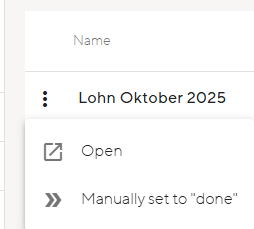
There are two ways to post a payment run. Either upload the camt file or manually set the payment run to completed.
In the first case, salary payments are automatically displayed under Salary – Bank transactions. Atlanto links the payments to the payment run and you can confirm them. The status of the payment run then automatically changes to ‘posted’.
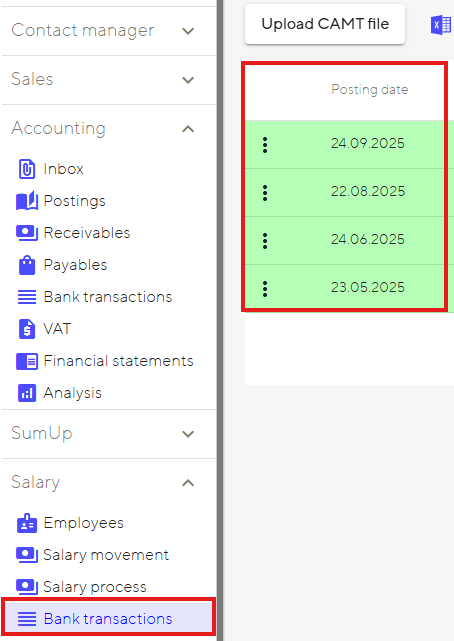
The second option is to manually set the payment run to completed. In this case, post the payment manually. This action changes the status to ‘manually set to done’. Make sure that you do not post the bank payment again, otherwise the bank debit will be posted twice to the bank account and your balance will no longer make sense. You can manually set the bank transaction to completed using the three dots next to the transaction.