

Release Notes
In the September update, the mobile app gets a set of new features: you can now upload photos and receipts straight to a project, check your contacts right inside the app, unlock with Face ID or fingerprint, and stay signed in permanently. On the accounting side, there’s an important change for anyone working with child allowances or deposits: for payables, a second account can now be entered on the credit side.
The key updates at a glance
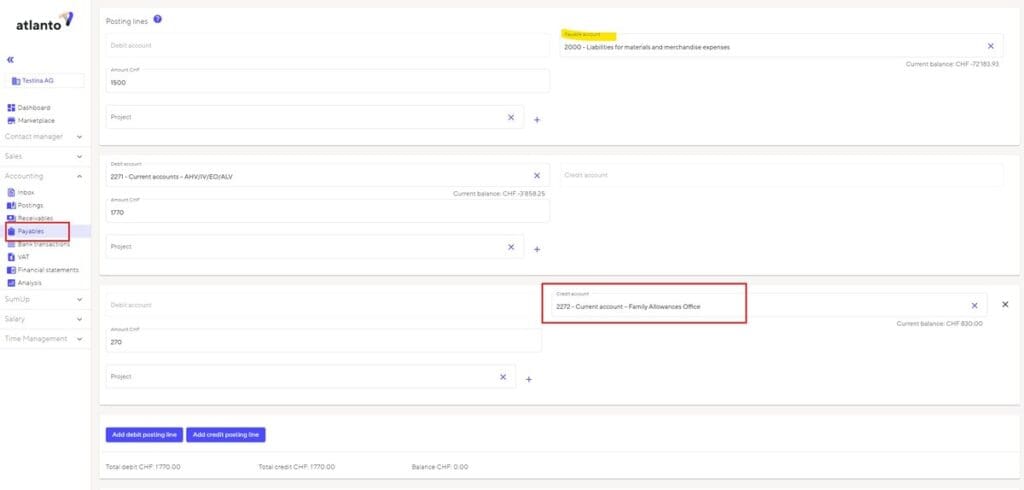
💰New: second account on the credit side for payables
Until now, a payables entry only allowed one account on the credit side. You can now add a second account – essential if you need to book child allowances or deposits separately. This saves you manual correction entries and gets your bookkeeping cleanly split from the first entry.
🖼️Upload photos and receipts straight to the project
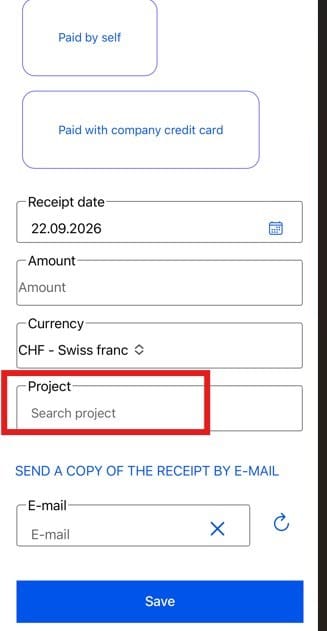
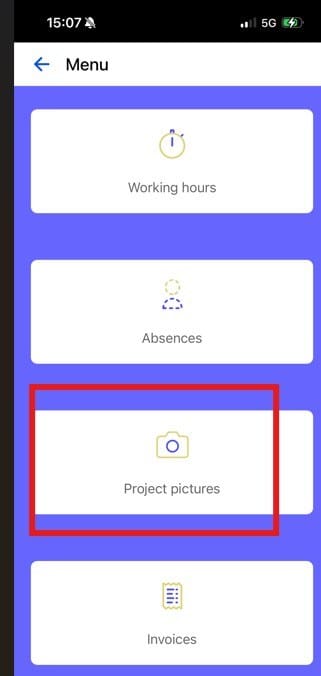
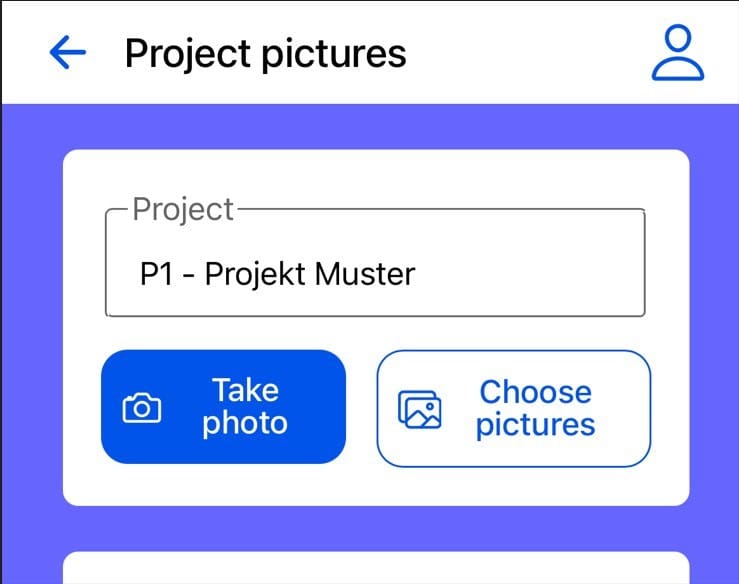
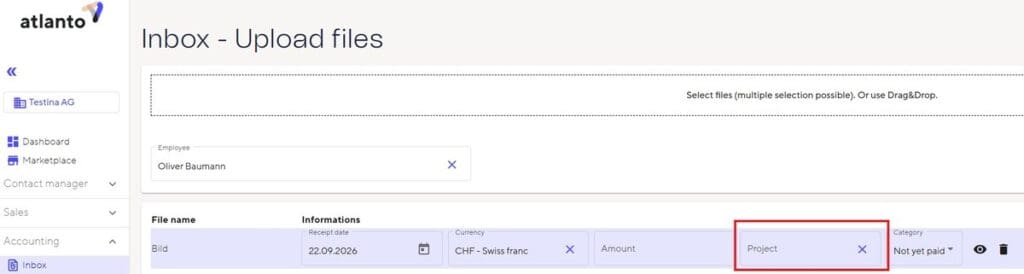
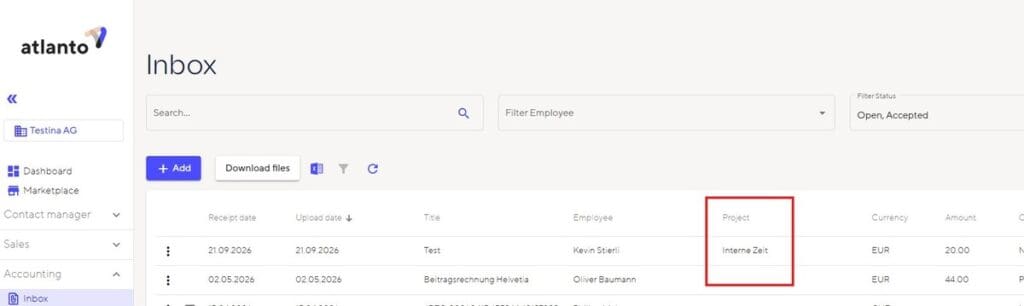
The app can now do a lot more: with the new project pictures, you can upload photos – not just receipts – directly to a project. Site progress, damage, reference photos: just take a picture or pick one from your gallery, assign it to a project, done. And for receipts themselves, you now choose the project right when you upload – no need to assign it afterwards. Everything lands in the right place immediately, on mobile and in the inbox.
🔑Handy: Face ID, fingerprint, and staying signed in
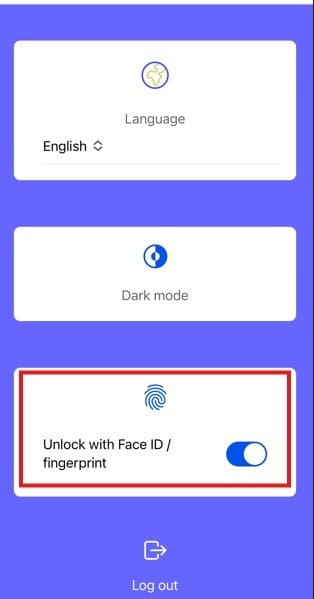
Two small changes with a big everyday impact: you now unlock the app with Face ID or your fingerprint – and stay signed in without having to log in again every day. Simply faster whenever you need the app.
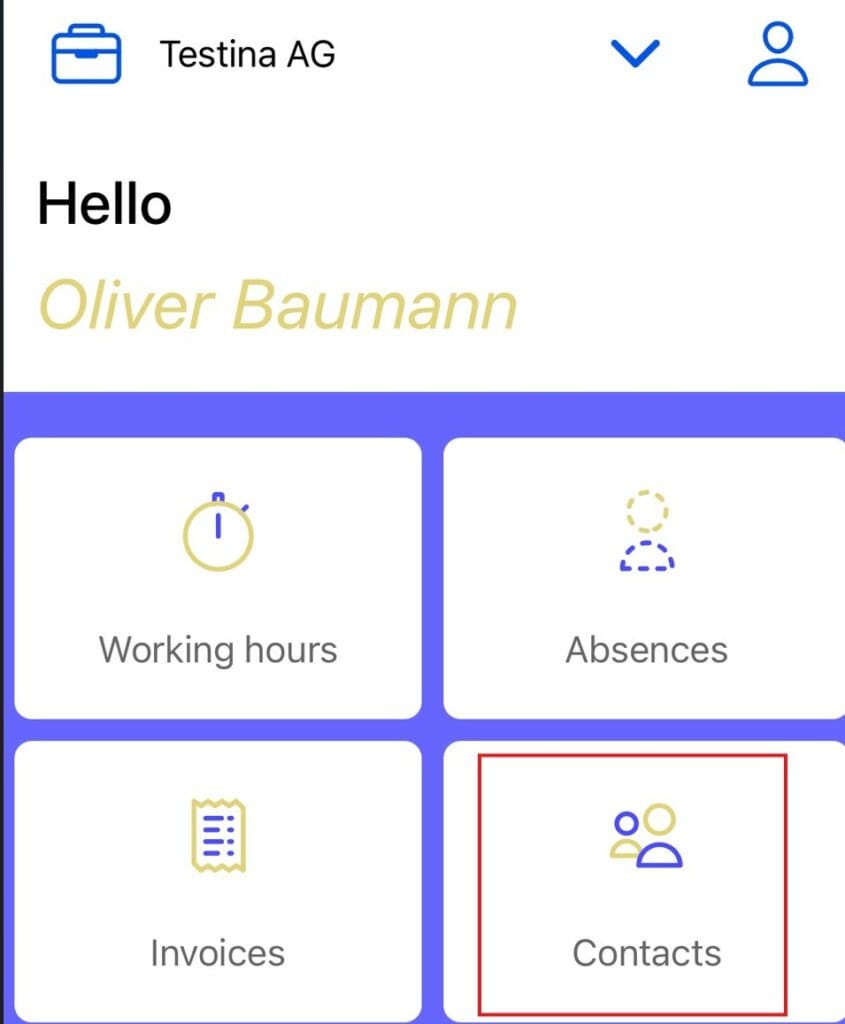
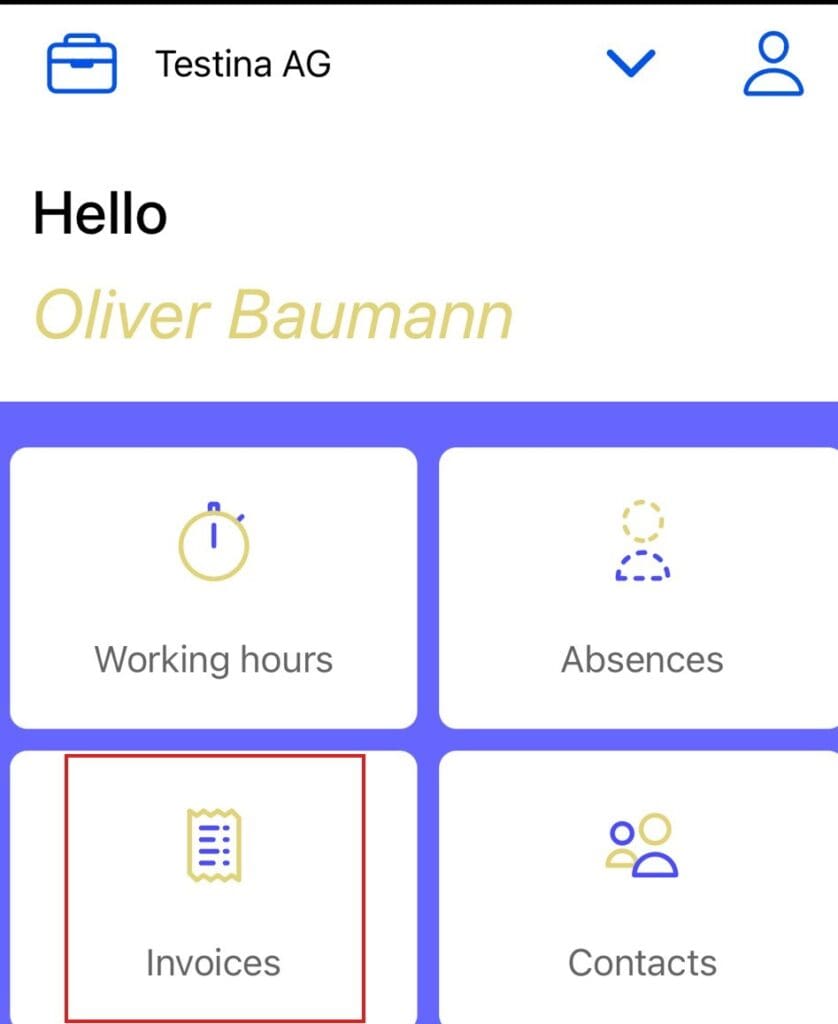
👥Contacts right inside the app
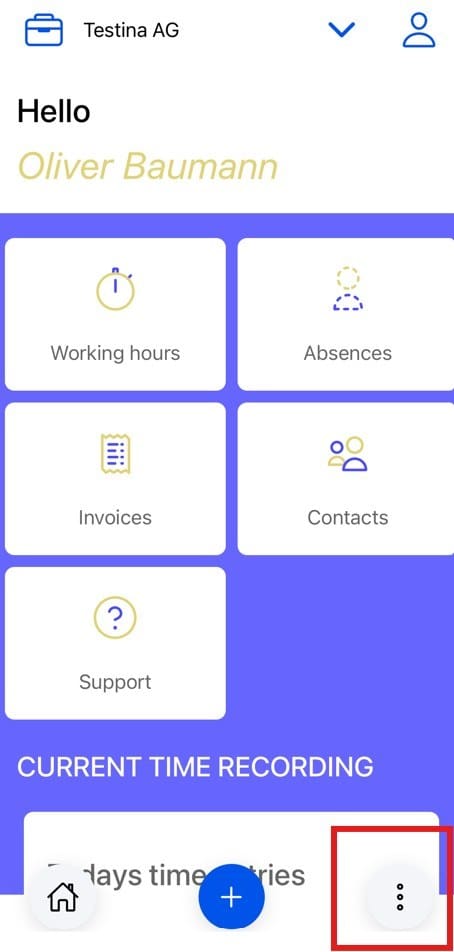
Contacts are now available on mobile too – right there on the app’s dashboard.
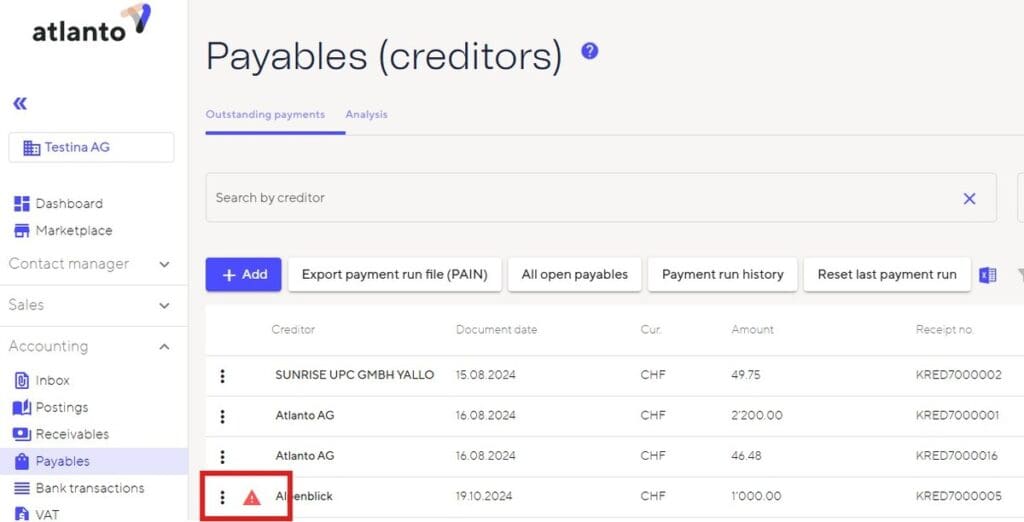
⚠️Missing account on payables now shows immediately
If the account is missing on a payable, it now shows up directly in the list with an exclamation mark. That way you catch missing details at a glance, before they cause problems in the payment run.
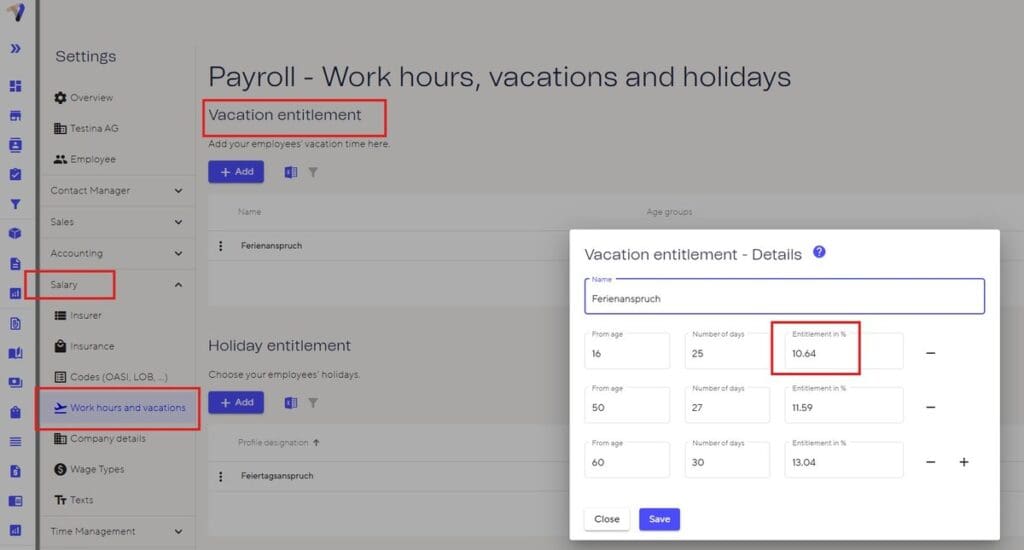
🏖️Vacation entitlement now available as a percentage too
Vacation entitlement can now be entered either as a percentage or as a number of days – more flexibility for different salary models.
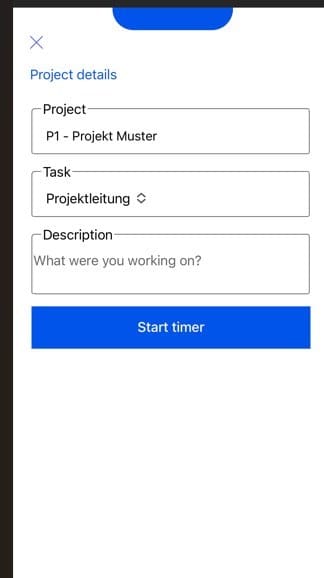
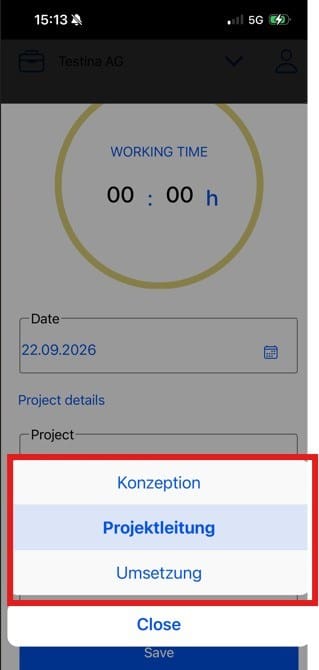
⏱️Timer: the project is always selectable
When starting the timer, you can now always set the project you want right in the app – for even more accurate time tracking on the go.
📋Tasks now sorted alphabetically
The task list in the app is now sorted alphabetically – making it much easier to find the right task.
✅Past, already-approved receipts are now visible
You can now also see receipts in the app that you uploaded in the past and that have already been approved – for full transparency on the status of your receipts.
⚡Better performance for large invoices
Invoices and quotes with many line items now load noticeably faster.
Questions or feedback about this update? Feel free to reach out to our support team.